01
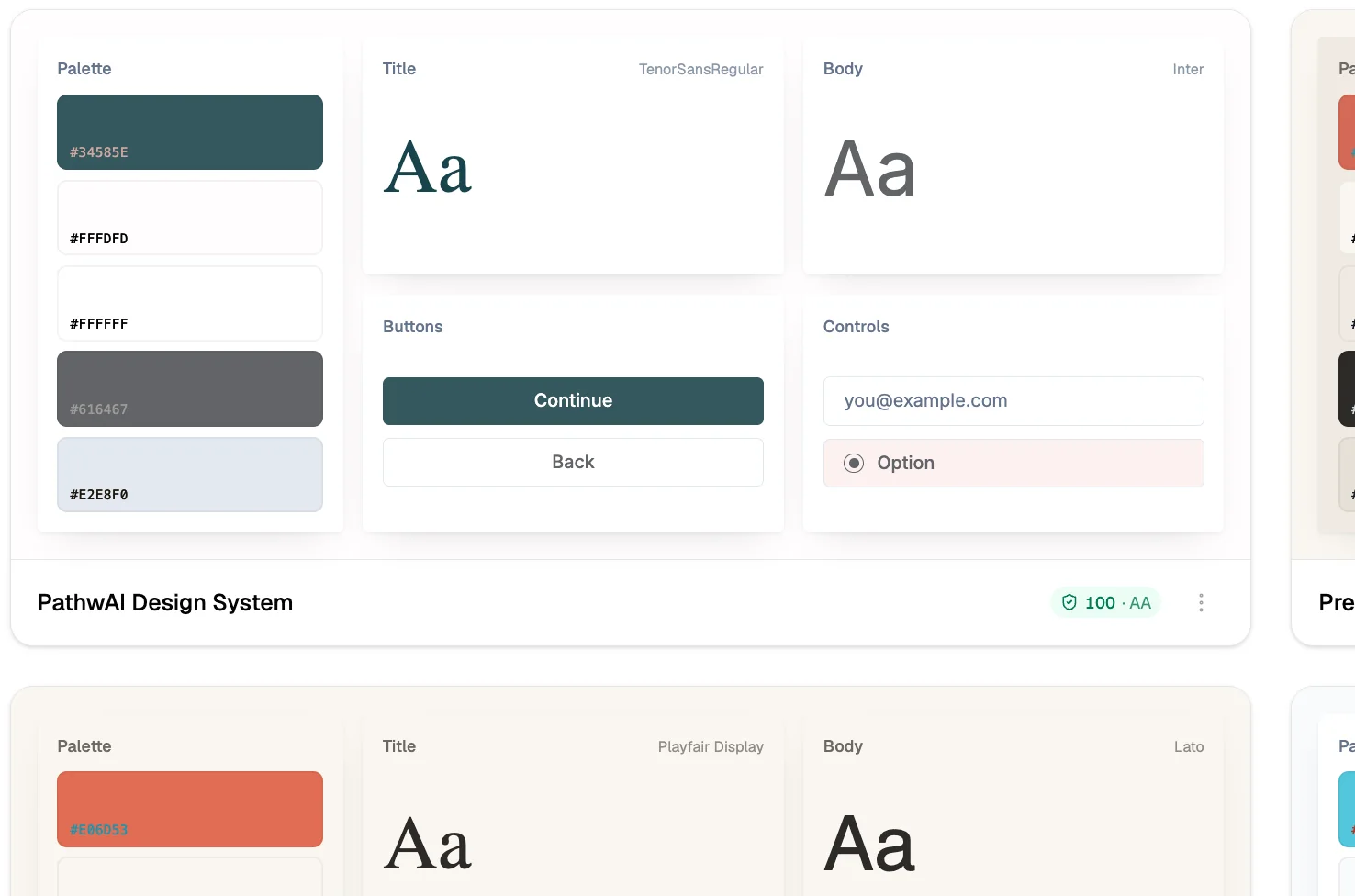
Set your theme once
Colors, fonts, button style, and layout configured at the workspace or funnel level. One place, not per-screen styling.

Apply your brand across every step of the intake journey, colors, fonts, layout, in a single theme configuration. No CSS. No per-screen styling.
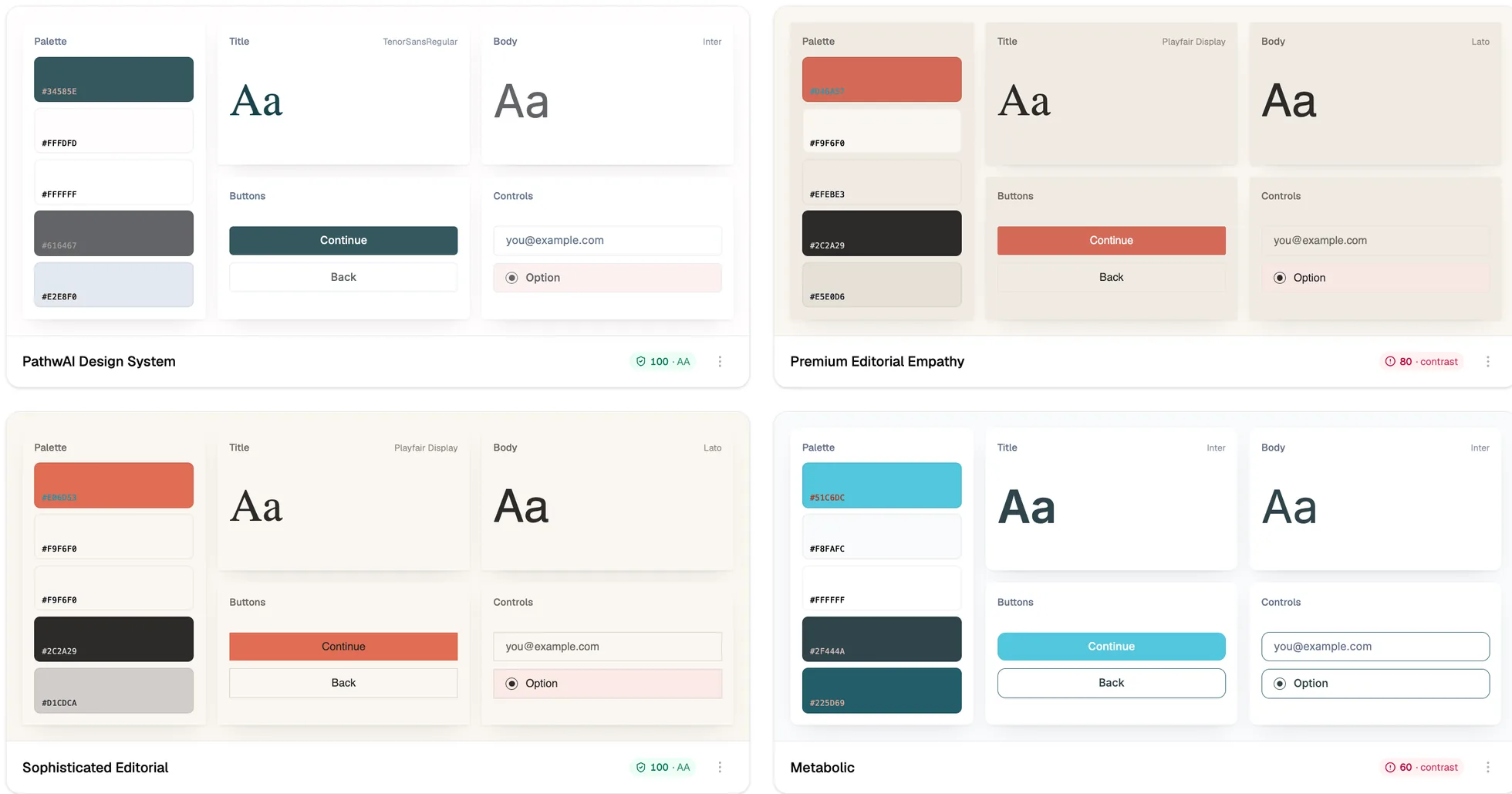
Health intake flows ask patients for sensitive information at a moment when trust is everything. When the intake step suddenly looks different from your landing page, patients hesitate, question whether they're in the right place, and abandon. A consistent brand experience, same colors, same fonts, same button style, keeps patients moving through the flow.
Most form tools apply their own visual chrome to your flows. PathwAI's theming system removes that chrome and replaces it with yours, so patients never feel like they've landed on a generic form tool.
One configuration, applied everywhere, swappable without touching the funnel.
Colors, fonts, button style, and layout configured at the workspace or funnel level. One place, not per-screen styling.
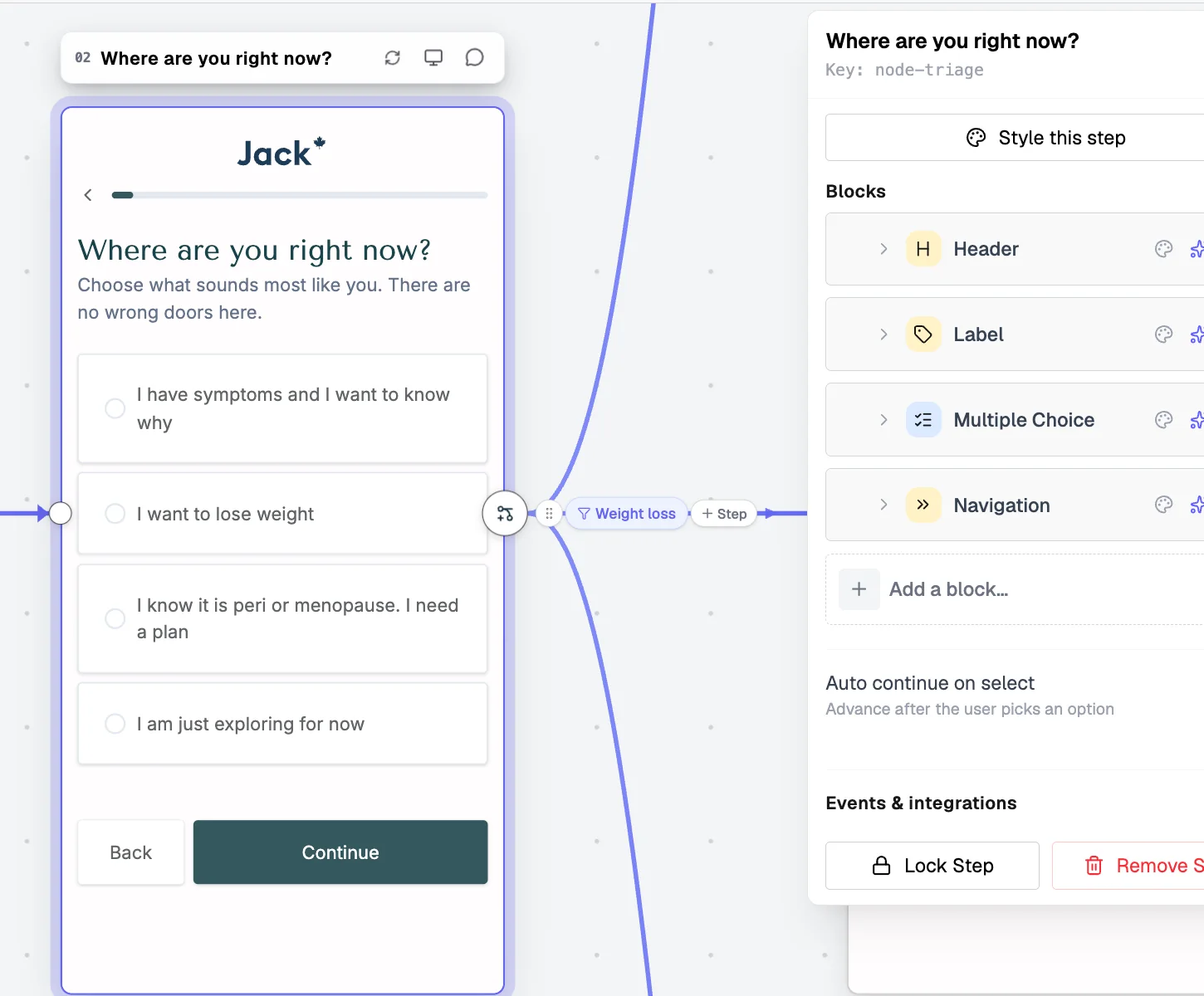
Landing, questions, intake, consent, and checkout all pick up the theme automatically, so the funnel reads as one product from first click to payment.
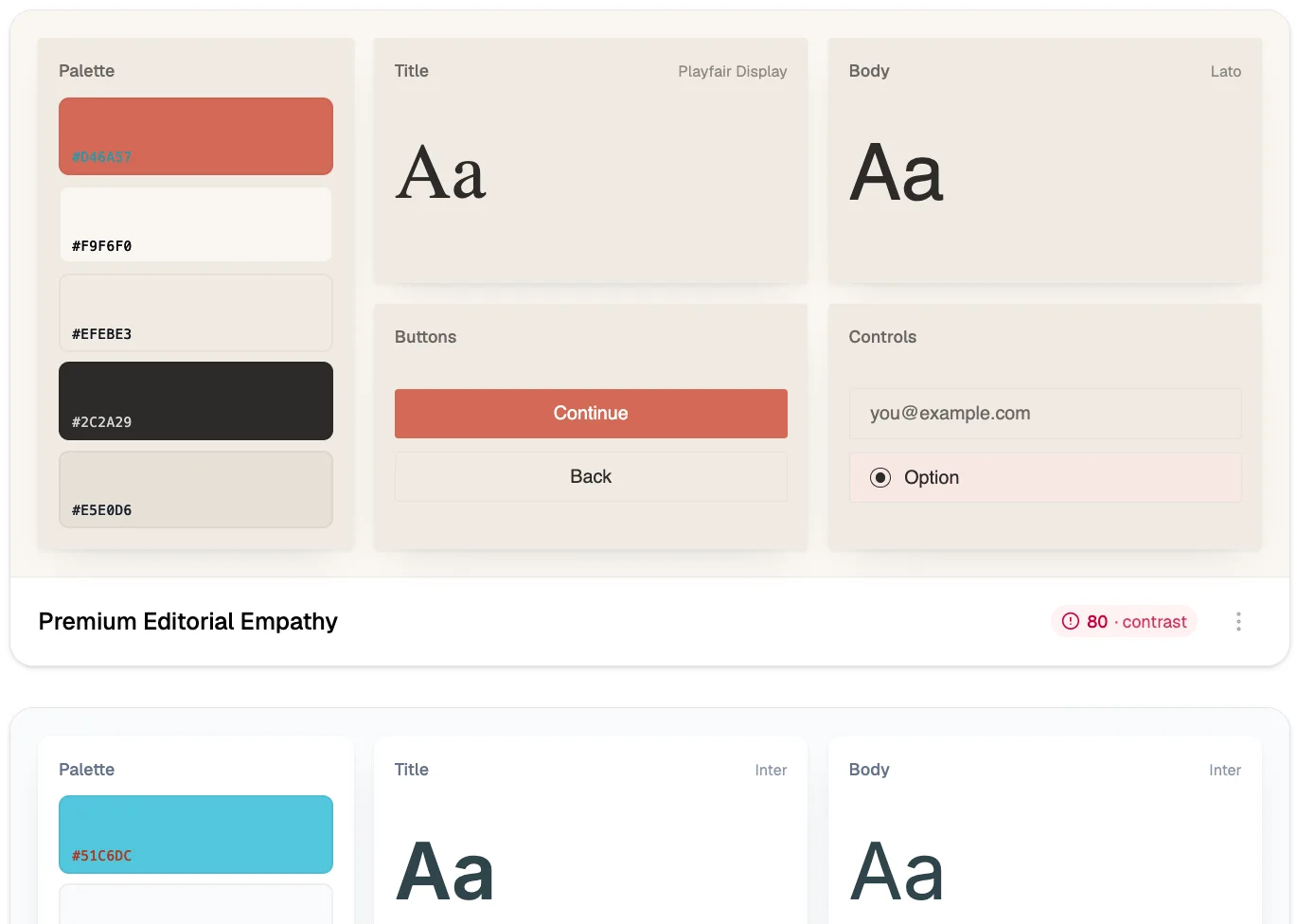
Rebrand or test a new look by changing the theme, not the funnel. Structure, logic, and content stay exactly as they were.
One theme configuration covers the full patient journey, no step-by-step customization.
Primary, secondary, and accent colors applied across buttons, progress indicators, and interactive elements. Propagates to every step in the flow.
Google Fonts, a custom web font URL, or system fonts. The font applies across all step types: headings, body copy, and labels.
Radius, weight, and fill style for primary and secondary CTAs. Consistent across qualifying, intake, consent, and checkout.
Spacing, card corners, content width, and visual hierarchy. Conversion-focused layouts designed for mobile health journeys.
Patient messaging consistency step-to-step, especially important in sensitive clinical intake where trust and clarity reduce drop-off.
PathwAI's branding applies to the checkout wrapper. The Stripe payment form within can be styled via Stripe's appearance API to match your brand.
We'll apply your colors and fonts to a working draft during the demo so you can see exactly what patients will experience.
Book a Demo Builder overview