
GLP‑1 eligibility + intake
A complete GLP‑1 funnel: qualify leads, collect intake, capture consent, and route to checkout.
- GLP‑1
- Eligibility
- Intake
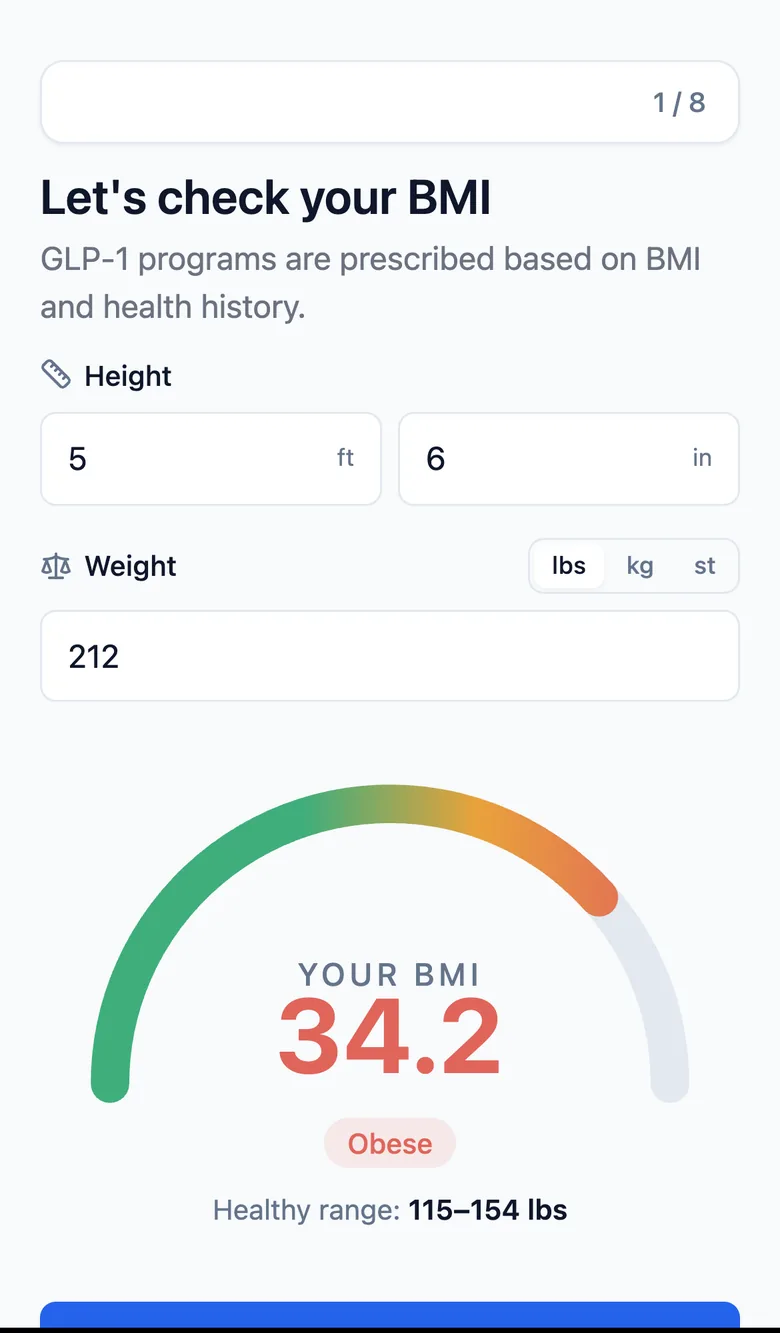
The flow
Step by step, as the patient sees it.
- 01 BMI check
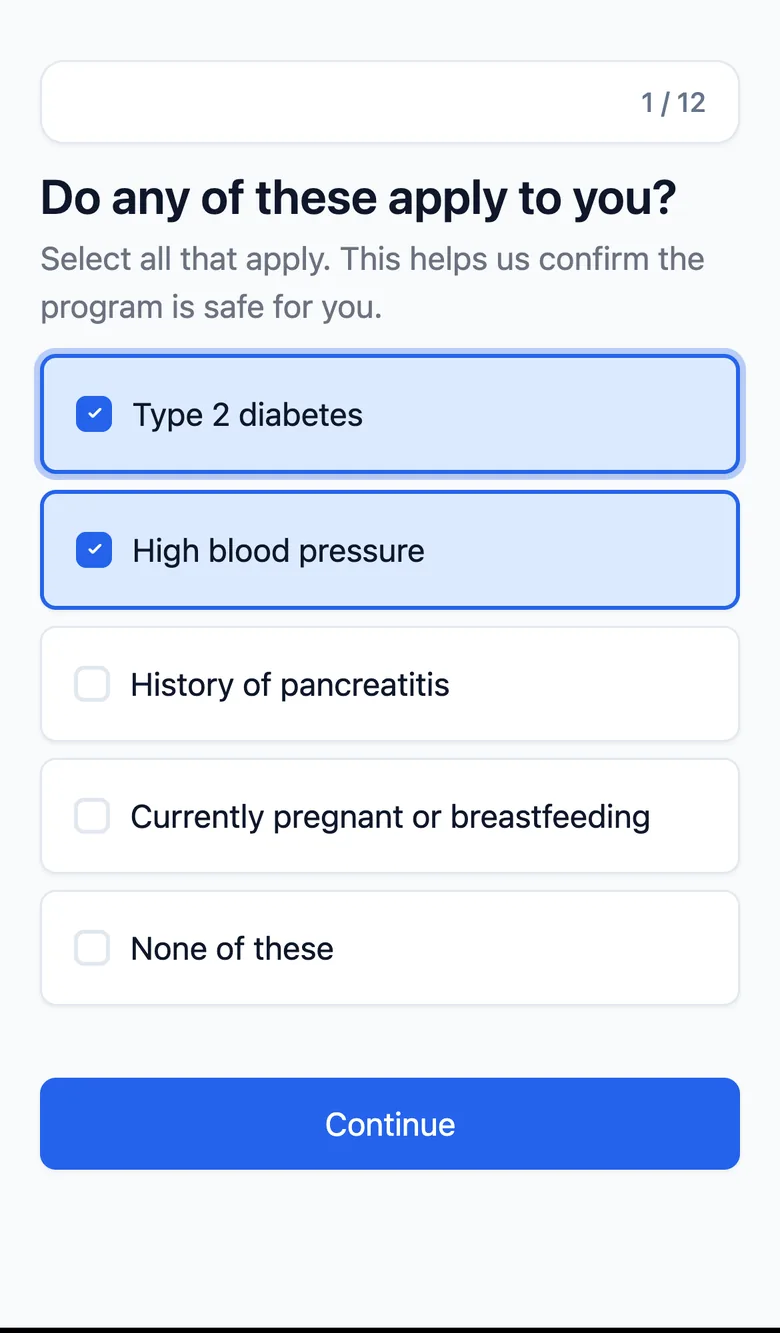
- 02 Eligibility screen
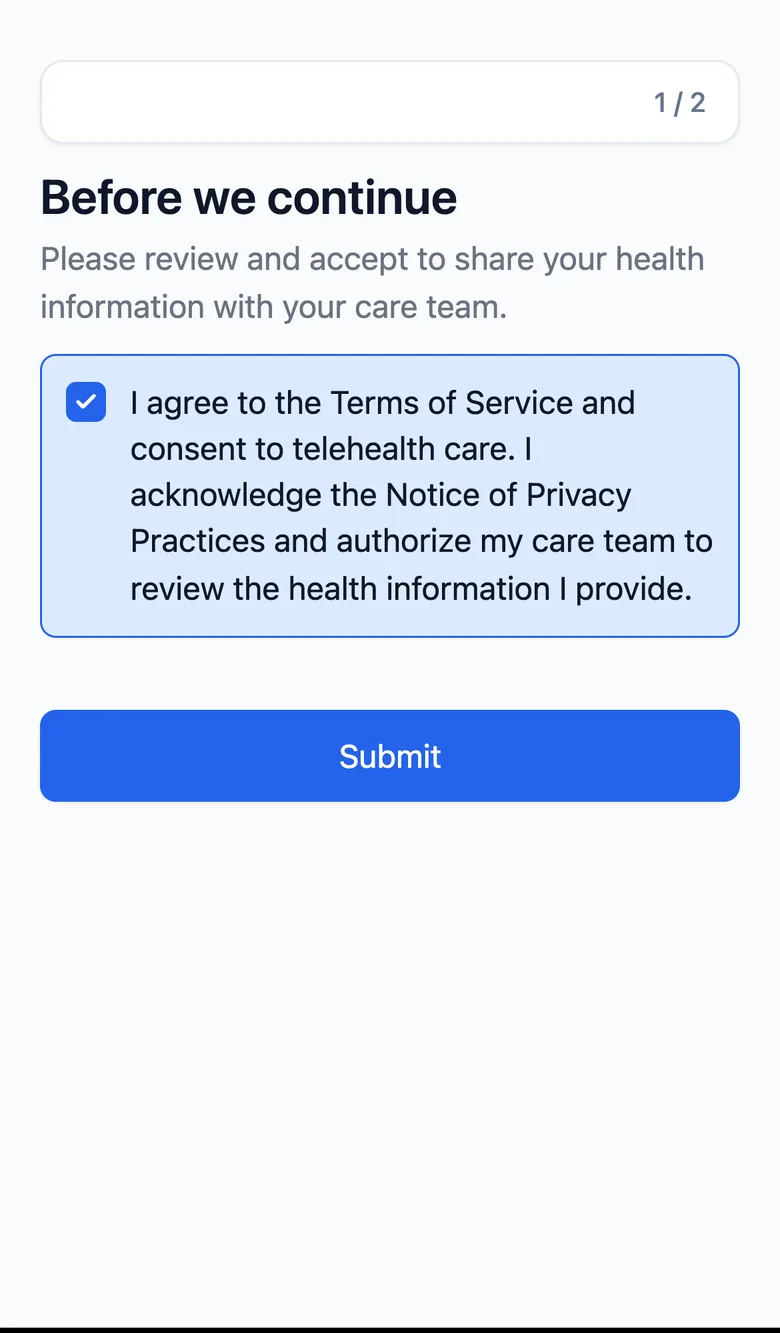
- 03 Consent
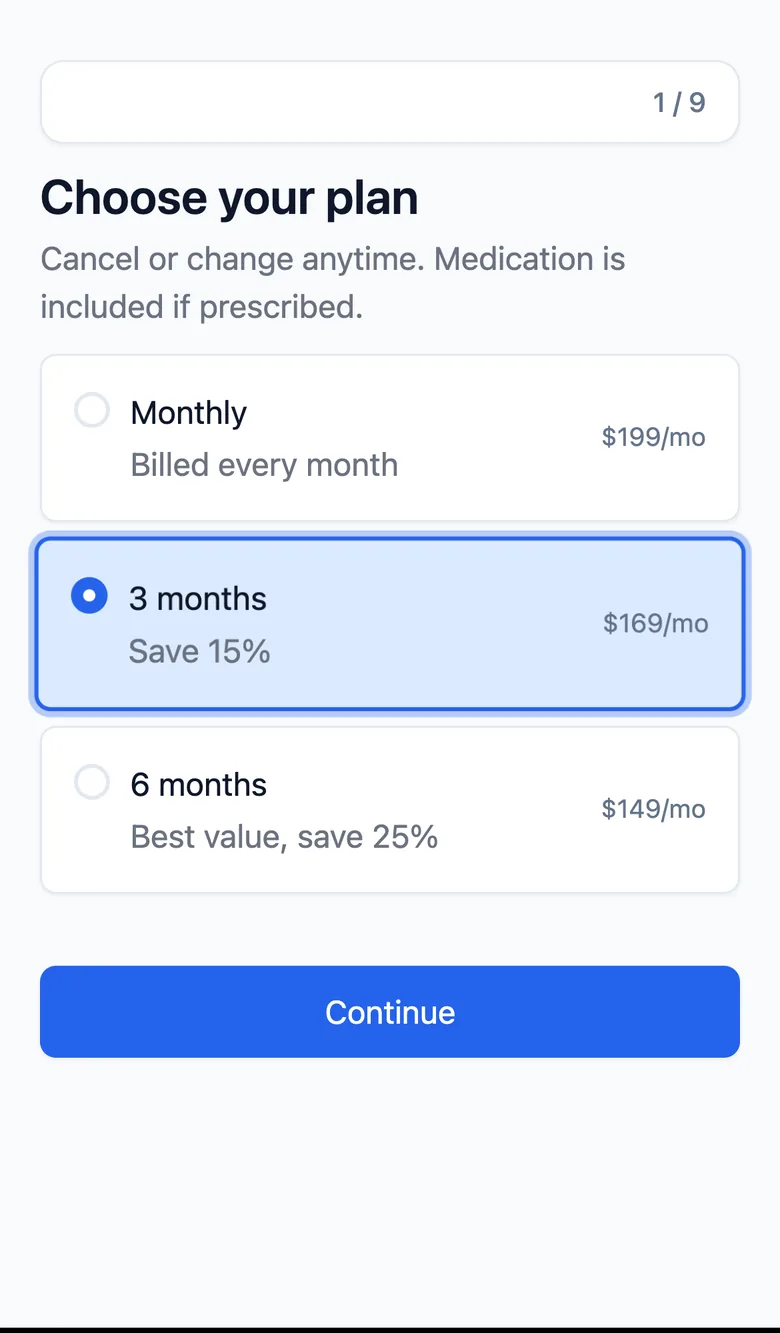
- 04 Plan and checkout
The GLP-1 eligibility and intake template is a PathwAI flow for telehealth programs that prescribe GLP-1 medications for weight loss. It takes a visitor from the first screening questions through a medical intake, a consent step and checkout in one flow, so the clinician reviewing the case receives structured answers instead of a free-text form. Every step, question and branch can be edited in the PathwAI builder before it goes live.
Who it is for
Teams running GLP-1 programs who want to qualify and convert patients with less manual triage. That includes new telehealth brands launching a first program and established clinics that want to replace a long single-page form.
What’s included
The template has four parts, in this order.
1. Eligibility quiz
A short set of high-signal questions comes first, before anything long is asked. Typical questions cover age, height and weight, the state the person lives in and the goal they have. Answers that fall outside your program’s criteria route to an ending that explains the program is not a match, instead of letting the person finish a full intake first. The criteria are yours to set with your medical team. The template does not decide who is eligible for treatment.
2. Progressive medical intake
People who pass the screen move to the medical intake. It asks for health history, current medications, allergies and prior weight-loss treatment, a few questions per step so the form never feels like one long page. Questions can depend on earlier answers, so a follow-up only appears when it applies.
3. Consent and disclosures
A consent step shows your terms and telehealth disclosures and asks the person to accept them with a checkbox or a drawn signature. Your team supplies the wording.
4. Checkout and next-step routing
The last part takes payment and hands the patient to what comes next. PathwAI’s Payment block can save a card or charge it through Stripe or Authorize.Net, and the flow ends with a confirmation that explains the next step, such as a clinician review of their intake.
What it collects
- Screening answers, including the measurements and location used for your eligibility rules.
- The medical intake answers: history, medications, allergies and prior treatments.
- The consent record.
- Contact details and the payment result.
All of it is saved on the submission. From there it can be read in PathwAI or sent on, for example with an ending webhook to your own systems.
How to adapt it
- Open the template from the templates page in the PathwAI builder.
- Review every eligibility question and threshold with your medical team.
- Edit the intake questions to match what your clinicians need to review a case.
- Paste your own consent and disclosure text.
- Connect your payment processor and set the price.
- Apply your brand, preview the flow end to end, and publish.
A licensed clinician makes every prescribing decision. The template collects and organizes the information they review.
See it built for your program.
We'll adapt this template to your criteria, wording and checkout on a call.